

WhatsApp, used by billions of people for daily communication, was brought back into the cybersecurity agenda in 2026 due to disclosed security vulnerabilities and spyware attacks. So, how safe are users' messages, personal information and accounts? What do the disclosed security weaknesses mean and what steps should be taken to protect yourself?
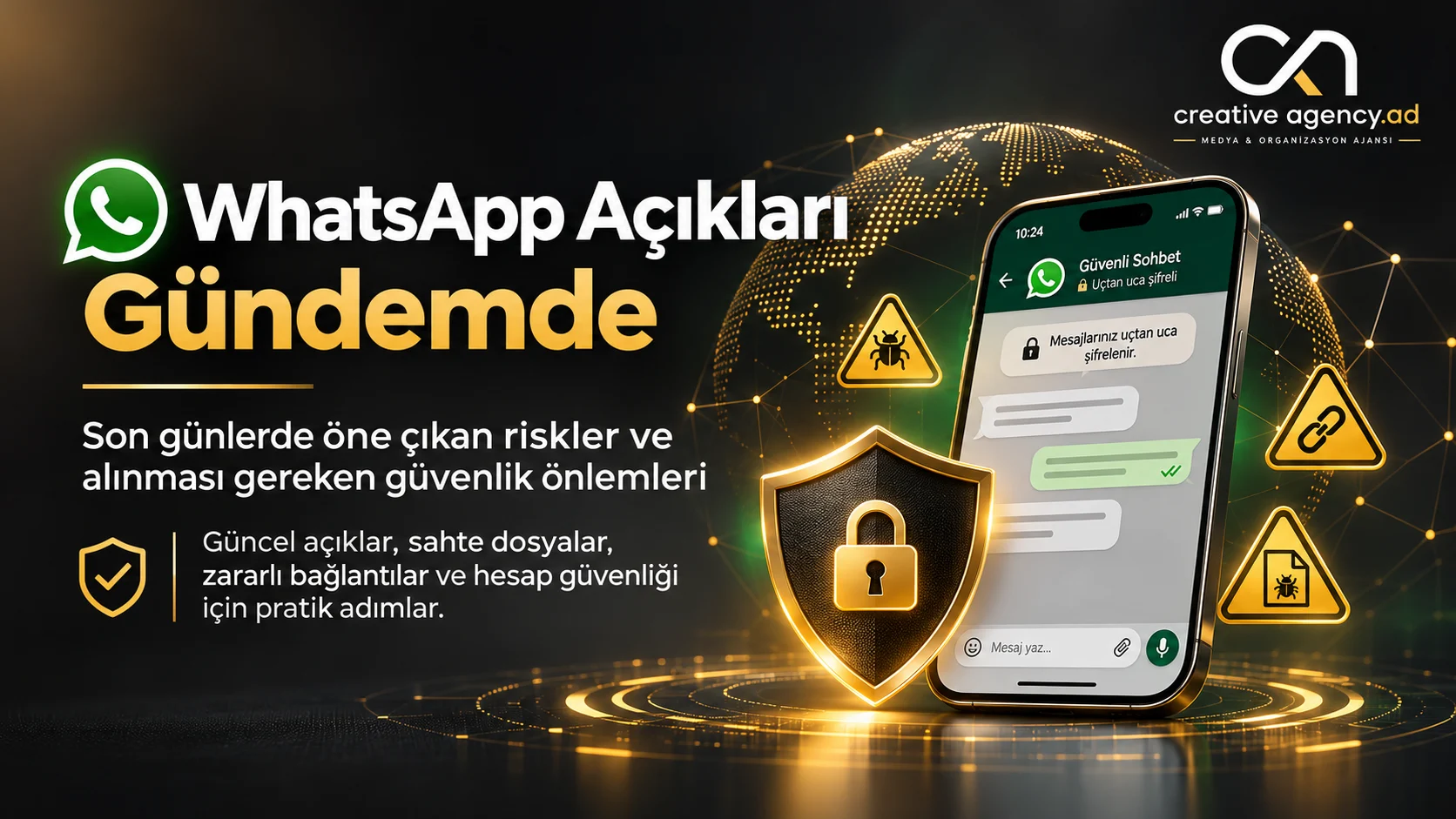
WhatsApp sits at the center of a wide communication network worldwide, from personal conversations to business correspondence. Users sharing photos, videos, documents and links makes the app more than just a messaging tool. This situation also attracts the attention of cyber attackers.
Official security advisories published in 2026 revealed vulnerabilities in WhatsApp's mobile and desktop versions that could open the door to various attack methods. Notably, processing of malicious links, incorrect display of file types and directing users to fake apps were among the significant risks.
There is an important distinction here: detecting a security vulnerability does not necessarily mean users' accounts were hijacked or messages were leaked. However, the existence of vulnerabilities underscores once again the importance of using up-to-date software and recognizing digital threats.
What Were the WhatsApp Security Vulnerabilities Disclosed in 2026?
Two vulnerabilities disclosed in WhatsApp's official security bulletins concerned mobile devices and the Windows desktop application.
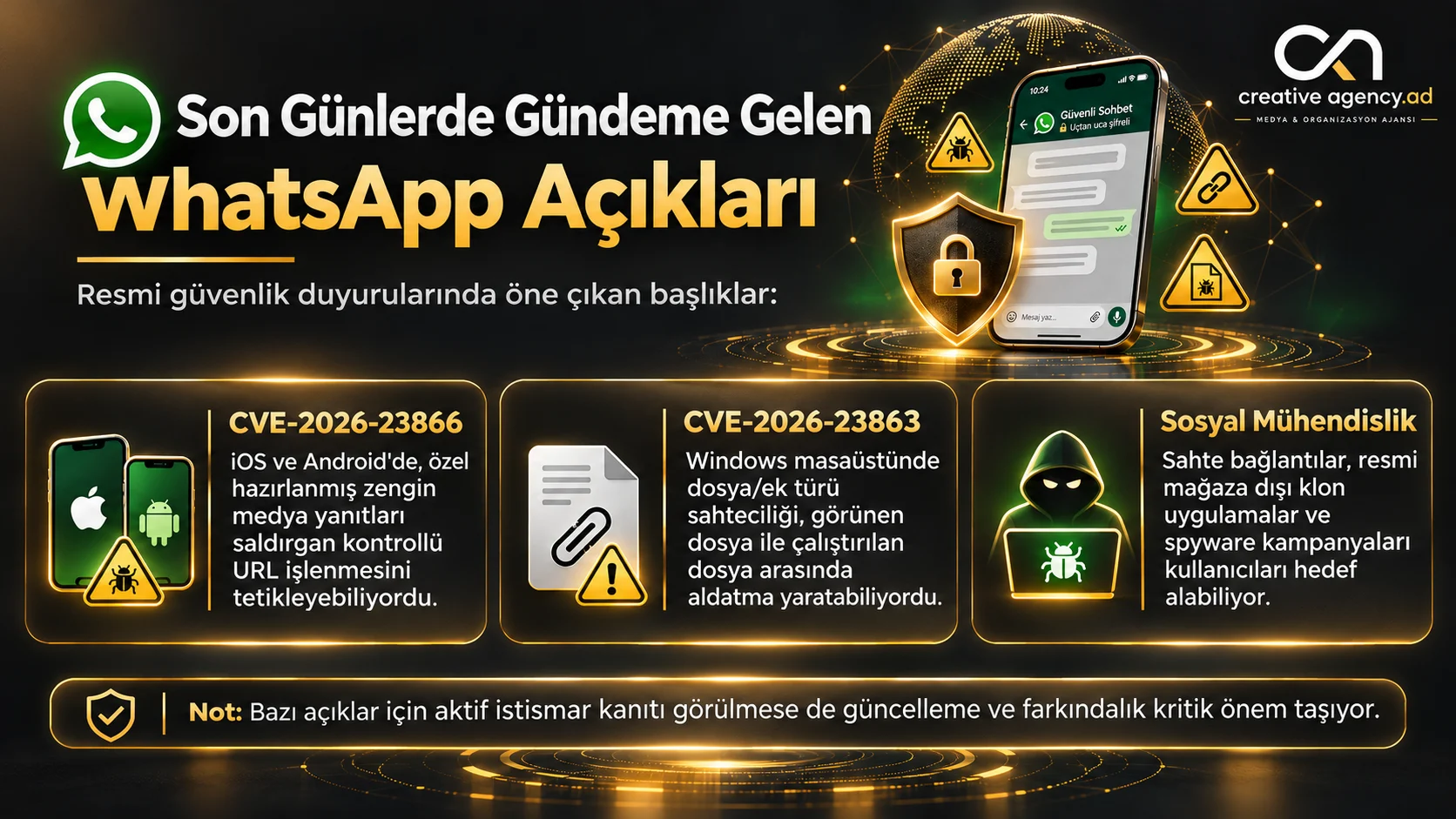
1. CVE-2026-23866: Risk of processing malicious links on mobile devices
This vulnerability stemmed from handling specially crafted rich response messages related to Instagram Reels content in WhatsApp's iOS and Android versions.
The flaw could trigger processing of media content hosted at an attacker-controlled internet address on another user's device. In some conditions, special URL schemes managed by the operating system could also come into play.
This highlights how important it is to securely handle inter-app links.
Affected version ranges:
- WhatsApp iOS: 2.25.8.0–2.26.15.72
- WhatsApp Android: 2.25.8.0–2.26.7.10
The vendor stated it had not seen evidence that this vulnerability was used in real attacks. Users are advised to upgrade to versions that include the relevant fixes.
2. CVE-2026-23863: File spoofing affecting Windows users
The second vulnerability was identified in WhatsApp's Windows desktop application.
The issue could cause an attachment to appear as a different file type within the app due to specially crafted file names.
For example, a user might think a received file is a regular document. However, when opened, it could unexpectedly execute an executable content.
In such attacks, a messaging environment trusted by users can be turned into a vehicle for distributing malware.
The vulnerability affected relevant versions prior to 2.3000.1032164386.258709 for Windows. WhatsApp also stated it had not seen proof of real-world exploitation for this flaw.
Spyware Attacks via WhatsApp Also in the Spotlight
Security risks are not limited to software vulnerabilities.
In a statement published on June 8, 2026, Meta announced it had detected and blocked targeted social engineering attempts linked to NSO Group. According to the statement, attackers tried to persuade users to click malicious links that would redirect them to websites outside WhatsApp. This incident reveals an important fact: an end-to-end encrypted messaging app does not fully protect a device from malware or from social engineering attacks aimed at deceiving the user.
Beware of fake WhatsApp applications
Another threat that surfaced in 2026 was malicious software impersonating the official WhatsApp application. In an advisory dated April 6, 2026, Jamaica's Cyber Incident Response Team reported that a fake version of WhatsApp was used to distribute spyware. Attackers directed users to download the app from channels outside official app stores. Through this method, some users' devices were infected with malware.
These types of applications can seriously endanger device security and the privacy of personal data.
Are WhatsApp Messages Really Secure?
WhatsApp's messaging and calling infrastructure uses end-to-end encryption by default. This technology is designed to prevent message contents from being read by anyone other than the communication parties. However, end-to-end encryption alone does not eliminate all security issues.
For example, if an attacker succeeds in installing spyware on a user's phone, they can target the stage where messages are displayed on the device. Similarly, account takeover or misuse of linked devices can pose other risks.
Therefore, it should be remembered that secure communication depends not only on message encryption but also on protecting the device and securing the account.
8 Measures You Should Take to Protect Your WhatsApp Account
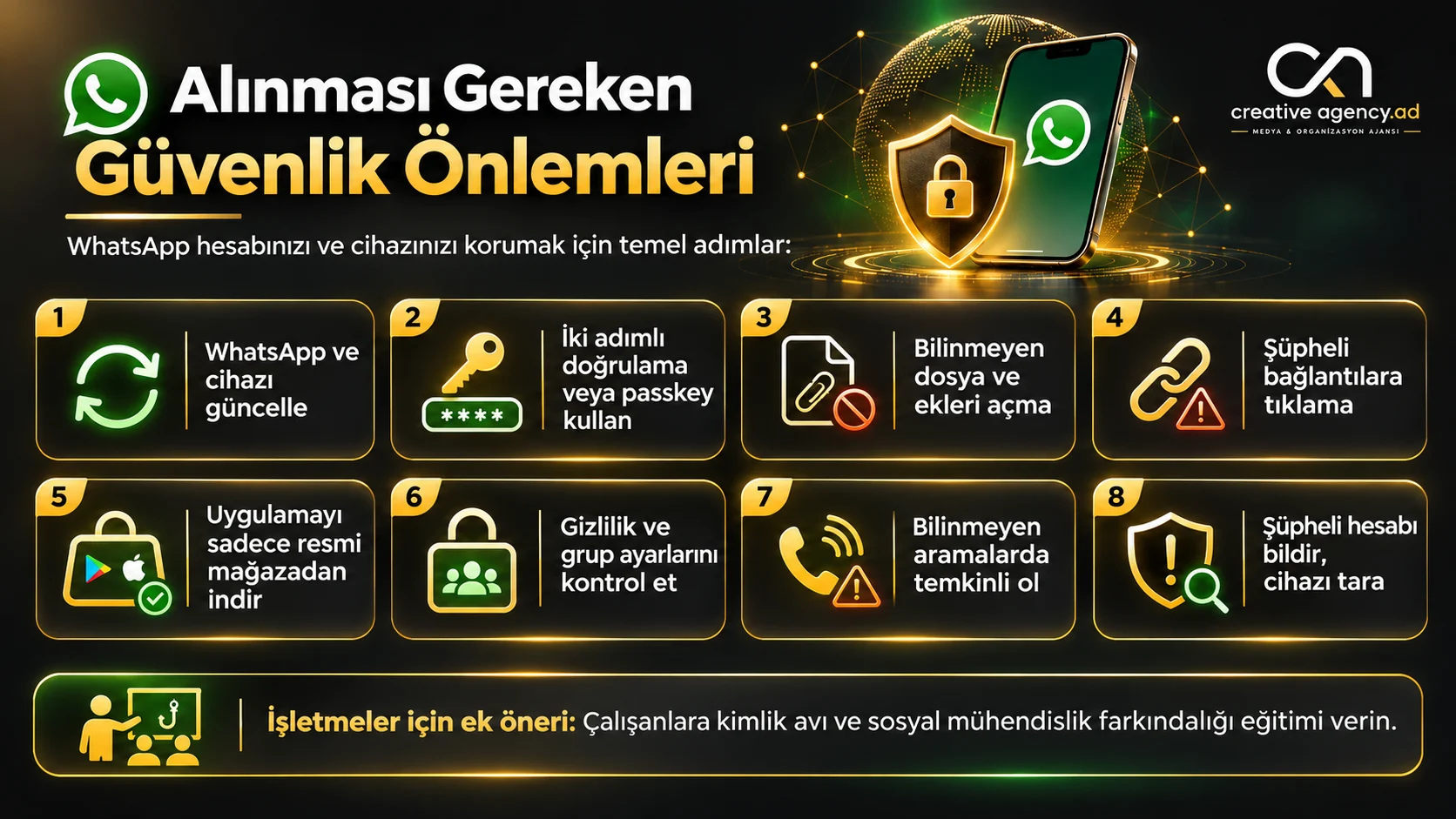
1. Update WhatsApp and your phone's operating system
One of the most effective defenses against security vulnerabilities is promptly installing updates released by vendors. Use the latest version of WhatsApp on Android, iOS and Windows devices. Do not neglect operating system updates either.
2. Enable two-step verification and passkeys
In its August 25, 2026 announcement, WhatsApp revealed stronger account security features. These include two-step verification strengthened with alphanumeric password support and passkeys. Passkeys help with authentication on supported devices via fingerprint, face recognition or screen lock.
Facebook
3. Do not open files from unknown senders
Be especially cautious with executable files, compressed archives and unexpected attachments. Even if a file appears to come from someone you know, verify with the sender via a different channel if it looks unusual.
4. Do not click suspicious links
Messages claiming delivery issues, bank accounts, verification codes or that you won a prize are commonly used in phishing attacks. The visible link text may differ from the actual internet address. Be particularly cautious of pages requesting passwords or verification codes.
5. Download WhatsApp only from official sources
Obtain the WhatsApp application from Google Play, Apple App Store or WhatsApp's official website. Modified WhatsApp versions claiming additional features and unofficial APK files may pose security risks.
6. Check privacy and linked device settings
Review profile information, who can add you to groups and options regarding unknown calls in WhatsApp's privacy section. Also regularly check Settings → Linked Devices. Remove sessions you do not recognize or no longer use.
7. Be cautious with calls from unknown numbers
Scammers may pretend to be bank employees, technical support staff or representatives of official institutions.
Under no circumstances give your WhatsApp verification code, account password, or security information to people calling you.
8. Report suspicious activity and check device security
If messages you did not send appear to be sent from your account, unexpected sessions are opening, or your device behaves unusually, perform a security review.
Report suspicious accounts via WhatsApp. Use reputable security tools to check the device and seek professional technical support if necessary.
Why Is WhatsApp Security More Important for Businesses?
WhatsApp Business is widely used for customer relations, bookings, orders and after-sales support. Therefore, the compromise of a business's WhatsApp account can affect more than just messaging. Customer trust, business communications and brand reputation can also be harmed.
Businesses should particularly control employee access, remove linked device sessions of departed staff, secure account recovery methods and provide social engineering awareness training to personnel. Unexpected payment requests or changes to bank details sent via WhatsApp should be verified through a secondary channel.
What to Do If You Suspect Your WhatsApp Account Has Been Compromised
First, check whether you still have access to your account. If you do, sign out of unfamiliar linked devices and reassess your account security settings. If you lost control of your account, follow WhatsApp's official account recovery steps. Do not share verification codes sent to your phone with anyone. Also inform your contacts via a different communication channel so they can guard against fake money requests or malicious links sent on your behalf. If you suspect spyware has been installed on your device, remember that simply reinstalling WhatsApp may not be sufficient. In such cases, a comprehensive security check of the device may be required.
Digital Security Is Not Achieved with a Single Update
WhatsApp's 2026 security advisories show that even the most widely used communication apps are not completely immune to technical flaws. However, it is not correct to treat every security advisory as a large-scale data breach or a successful cyber attack. What matters is acting on verified security information and not delaying the measures that can be taken.
Up-to-date apps, strong account authentication, cautious link usage and regular device checks form the foundation of WhatsApp security. It should be remembered that security in the digital world is strengthened not only by technology but also by informed user behavior.
Sources and verification
- WhatsApp Official Security Advisories – 2026
- Meta – New Account Security Features for WhatsApp
- Meta – Fighting Spyware: An Update from WhatsApp
- Jamaica Cyber Incident Response Team – Fraudulent WhatsApp Warning
The article is based on official security advisories accessible as of November 9, 2026. The examined vulnerability announcements were published in previous months; they are not all presented as newly discovered issues in the last few days. The images are representative informational designs prepared by Creative Agency.Ad.
Yorumunuz yayınlanmadan önce yönetici onayından geçer. E-posta adresiniz ziyaretçilere gösterilmez.
Yorumlar
Bu yazı için henüz onaylanmış yorum bulunmuyor.